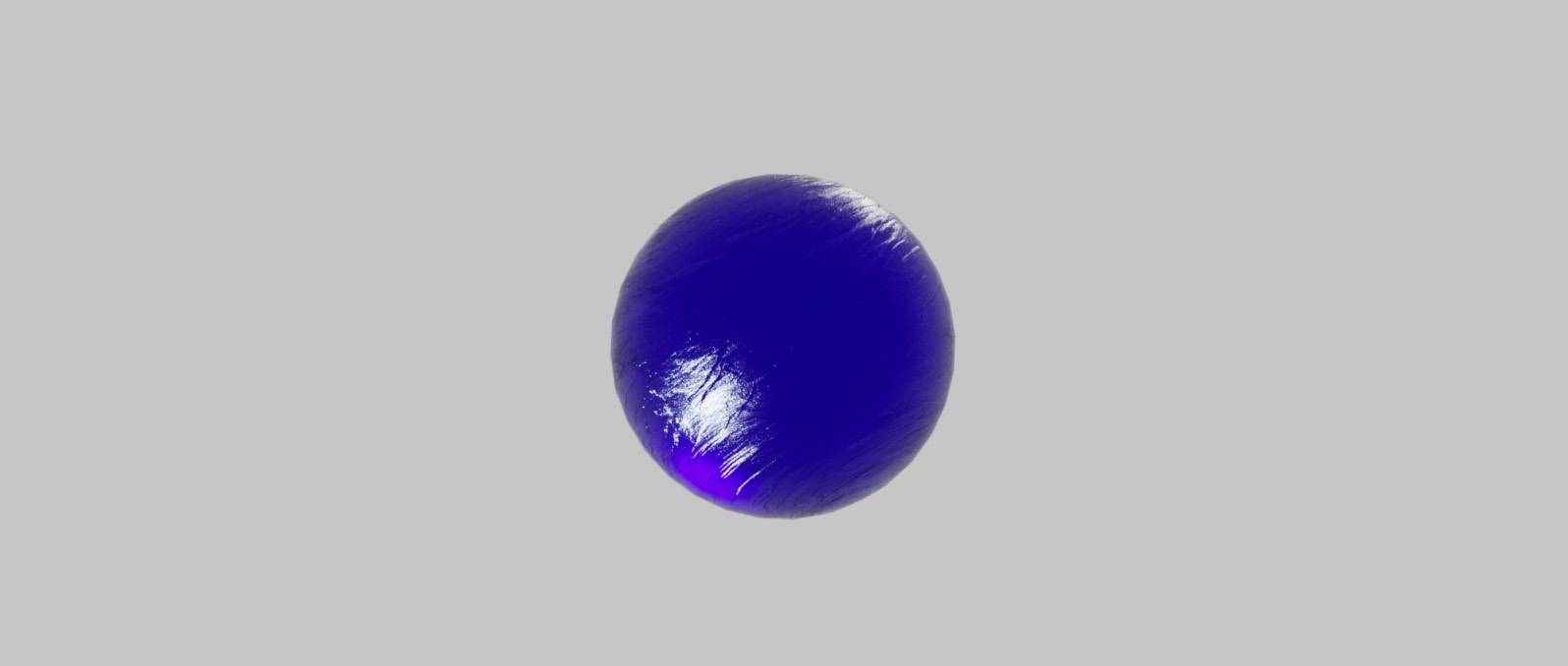
Most 3D artists and look-dev TDs use these environmental previews to verify lighting intensity and color temperature. In visual effects, architectural visualization, and game development, you can ensure consistent lighting across your assets without the need for time-consuming test renders.
Our free online HDRI Previewer works with .hdr and .exr files for Blender, Unreal Engine, Unity, Houdini, and Cinema 4D workflows. Test your high-dynamic-range images against our calibrated shader balls—including chrome, matte, and glossy presets—to see how light reacts before importing files into your 3D scene. You can achieve more predictable and physically accurate results by pre-visualizing your lighting environment in real-time.

An HDRI (High Dynamic Range Image) Map is a 360-degree panoramic image that stores a wide range of light data, far beyond that of a standard photograph. In the context of 3D rendering and VFX, these maps are used as Image-Based Lighting (IBL) sources to wrap a virtual scene in a realistic environment.
By using an HDRI, 3D software can calculate accurate reflections, shadows, and ambient light based on the real-world luminance values captured in the image. It is an essential asset for digital artists who need to match CG elements with live-action footage or create photorealistic materials that respond dynamically to their surroundings.











Our online tool supports the two industry-standard high-dynamic-range formats: .hdr (Radiance) and .exr (OpenEXR). These formats preserve the light data necessary for accurate 3D lighting previews.
A shader ball provides a controlled environment to see how an HDRI affects different materials. Using chrome helps you check reflection placement, while matte grey and white help you judge light direction, shadows, and color spill without material interference.
Yes, the Blauw Films HDRI Previewer is a free browser-based utility designed to help 3D artists and filmmakers streamline their look-development and lighting workflows.
Absolutely. Since HDRIs are universal, you can preview any map in this tool intended for engines like Cycles, Eevee, Arnold, Redshift, or Unreal Engine to ensure the exposure and contrast are correct before import.


