


Drop image here or click to upload
PNG, JPG up to 4096×4096
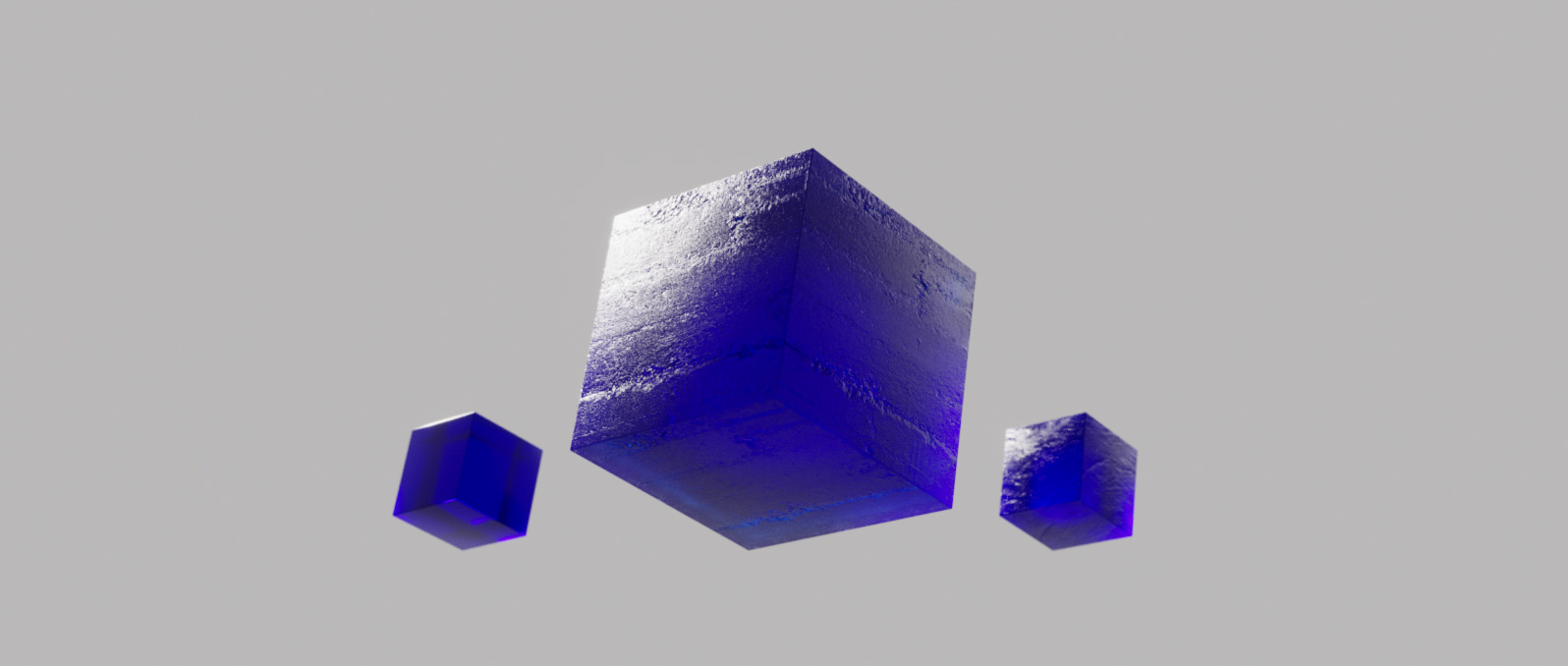
Most 3D renderers require high-quality texture maps to simulate surface detail without increasing polygon counts. In 3D modeling, texturing, and game development, you can create photorealistic materials with depth and relief by generating accurate normal maps from 2D images.
The maps created in our Normal Map Generator work in Autodesk 3Ds Max, Autodesk Maya, Blender 3D, Unreal Engine, Unity, Chaos Corona, Chaos Vray, Arnold, or Redshift. Create realistic 3D rendered materials by adjusting strength, blur, and direction with a real-time 3D preview. You can create more physically accurate renders of a surface—from stone and brick to fabric and skin—by using custom-generated normal maps.

A Normal Map is a specialized type of texture used in 3D computer graphics to add high-frequency detail to low-poly models. Unlike a standard bump map that only uses grayscale height data, a normal map uses RGB information to tell the render engine exactly how light should bounce off the surface at every pixel.
This creates the illusion of complex geometry, such as cracks, pores, or bumps, under any lighting condition. Our tool allows you to convert JPG or PNG textures to Normal Maps, with full control over the Red (X), Green (Y), and Blue (Z) channels to ensure compatibility with both DirectX and OpenGL standards used in modern game engines and cinematic renderers.










A bump map uses grayscale values to represent height, while a normal map uses RGB values to represent the direction of the surface normals. Normal maps are much more accurate and are the industry standard for modern 3D rendering and game engines.
This depends on your software. Blender and Unity typically use OpenGL (Green channel points 'up'), while Unreal Engine and 3ds Max use DirectX (Green channel points 'down'). Our generator allows you to 'Flip Y' to switch between these two formats easily.
Yes! You can upload any JPG or PNG photo of a texture (like wood or stone) to our generator, and it will calculate the surface detail to create a usable normal map for your 3D materials.
Yes, all utilities on Blauw Films, including the Normal Map Generator, are free for artists and designers to use in both personal and commercial projects.


