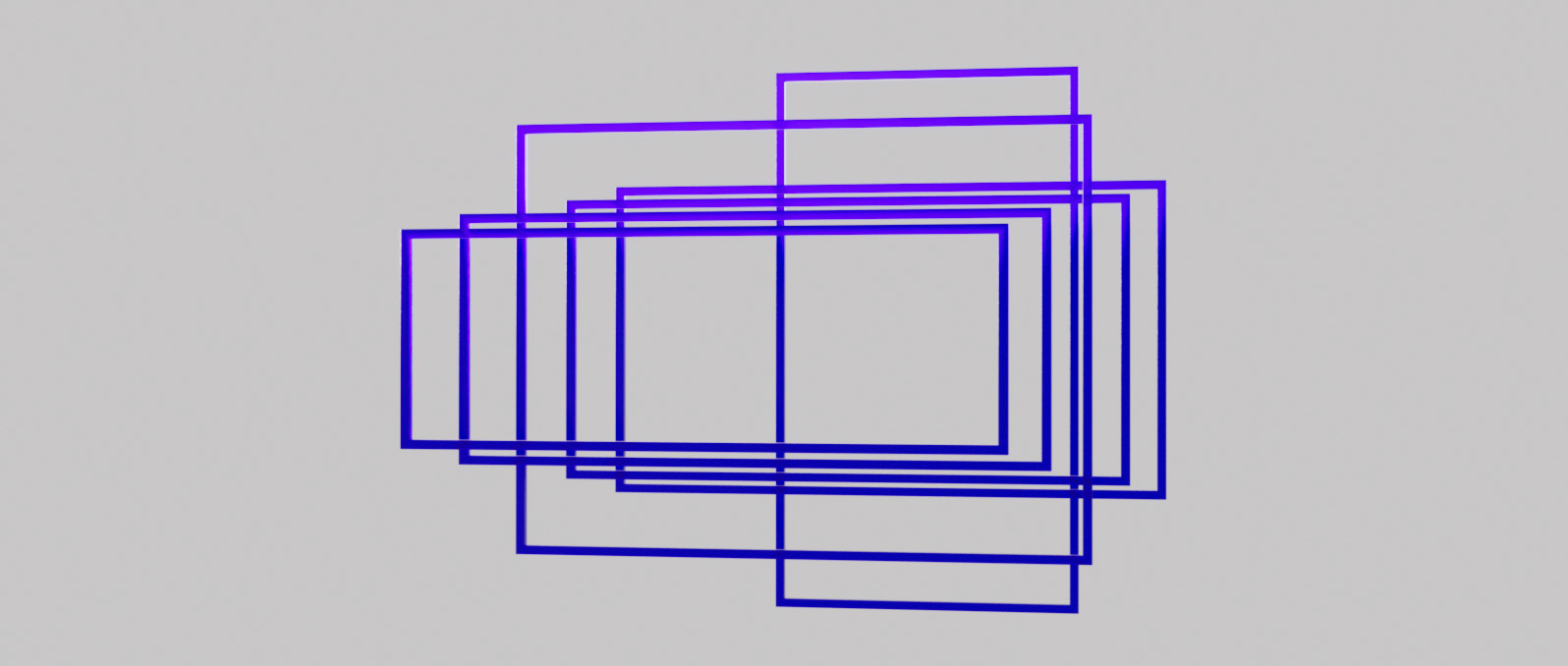
Most digital cameras and 3D renderers require specific pixel dimensions to achieve a desired cinematic look. In cinematography, 3D animation, and post-production, you can create perfectly framed compositions by calculating precise resolution offsets.
Our Aspect Ratio Calculator assists you in your workflows in Unreal Engine, Unity, Blender, DaVinci Resolve, Adobe Premiere Pro, After Effects or Nuke. Create cinematic visual stories by setting correct width and height ratios for formats like 2.39:1 Anamorphic, 1.85:1 Academy Flat, or 16:9 Widescreen. You can ensure your renders and exports convey the emotion you seek through framing and will be industry-standard by using precise pixel calculations.

An aspect ratio describes the proportional relationship between the width and the height of an image or screen. Expressed as two numbers separated by a colon (e.g., 21:9), it dictates the "shape" of the frame.
In the history of cinema, these ratios have evolved from the nearly square 4:3 Silent Film era to the ultra-wide CinemaScope formats used in modern blockbusters. Understanding aspect ratios is critical for filmmakers to avoid "letterboxing" issues and to ensure that the visual composition translates correctly across different display devices, from IMAX screens to mobile social media feeds.















The most common cinematic aspect ratios used in modern filmmaking are 2.39:1 (Widescreen) and 1.85:1 (Standard). For television and online content, 16:9 (1.78:1) is the industry standard.
To calculate the height, divide the width by the first number of the ratio and multiply by the second. For example, to find the height of a 1920px wide image in 16:9, calculate (1920/16)*9 = 1080px.
The aspect ratio itself doesn't define quality, but it determines the composition and how the image fits on a screen. Choosing the wrong ratio can lead to 'letterboxing' (black bars) or unwanted cropping.
Yes, this calculator provides the exact pixel dimensions required for camera settings in Cinema 4D, Blender, Unreal Engine, Maya and other 3D software to ensure your renders match professional film standards.


